# Gerbil
**Local text and image generation, on your own hardware**
[](https://www.gnu.org/licenses/agpl-3.0)
[](https://github.com/lone-cloud/gerbil/releases)
[](https://github.com/lone-cloud/gerbil/stargazers)
[](https://aur.archlinux.org/packages/gerbil)
[Download](https://github.com/lone-cloud/gerbil/releases/latest) • [Screenshots](#demo--screenshots) • [Installation](#installation)
## Features
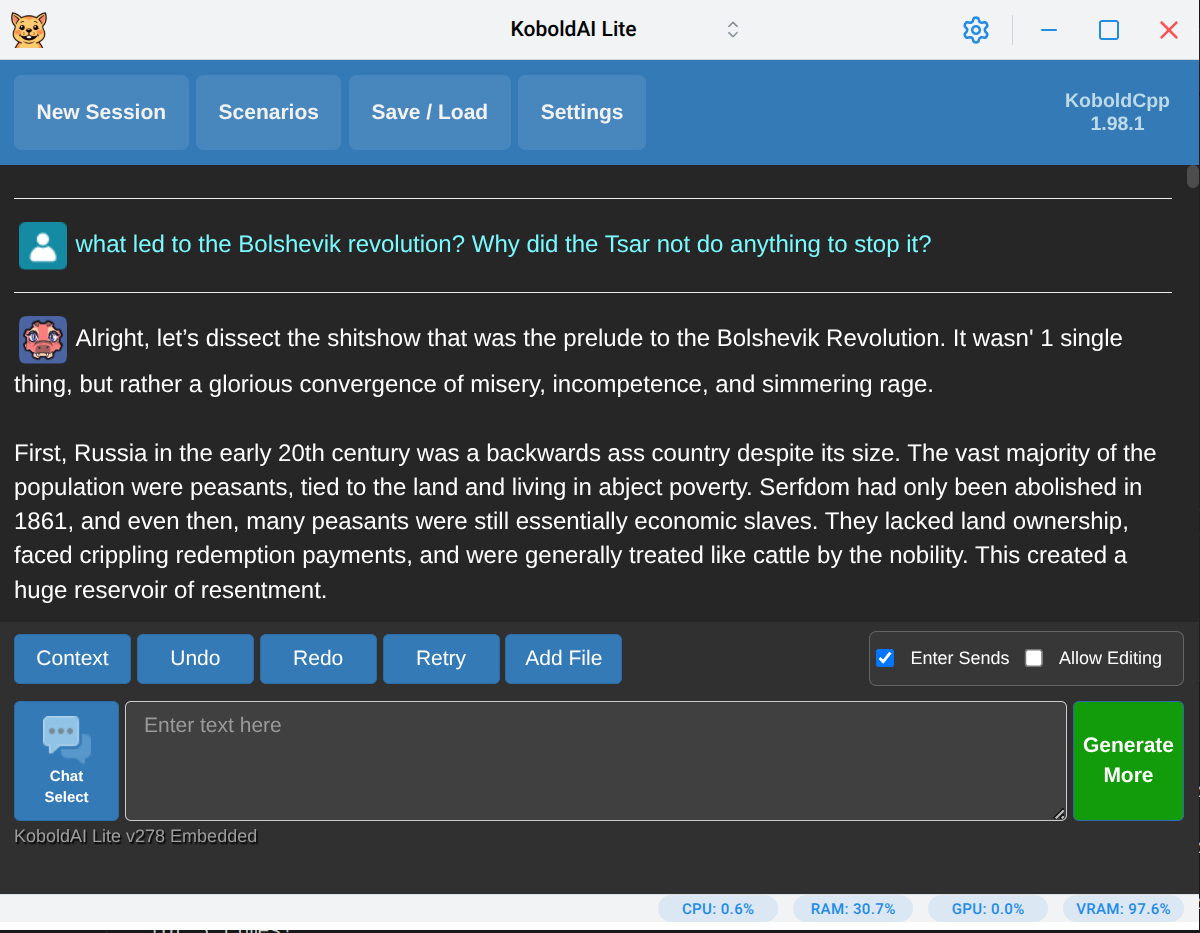
- **Run LLMs locally** - Powered by [KoboldCpp](https://github.com/LostRuins/koboldcpp), a fork of [llama.cpp](https://github.com/ggml-org/llama.cpp)
- **Cross-platform** - Native support for Windows, macOS, and Linux (including Wayland)
- **Offline capable** - Import pre-downloaded KoboldCpp binaries and run entirely without an internet connection
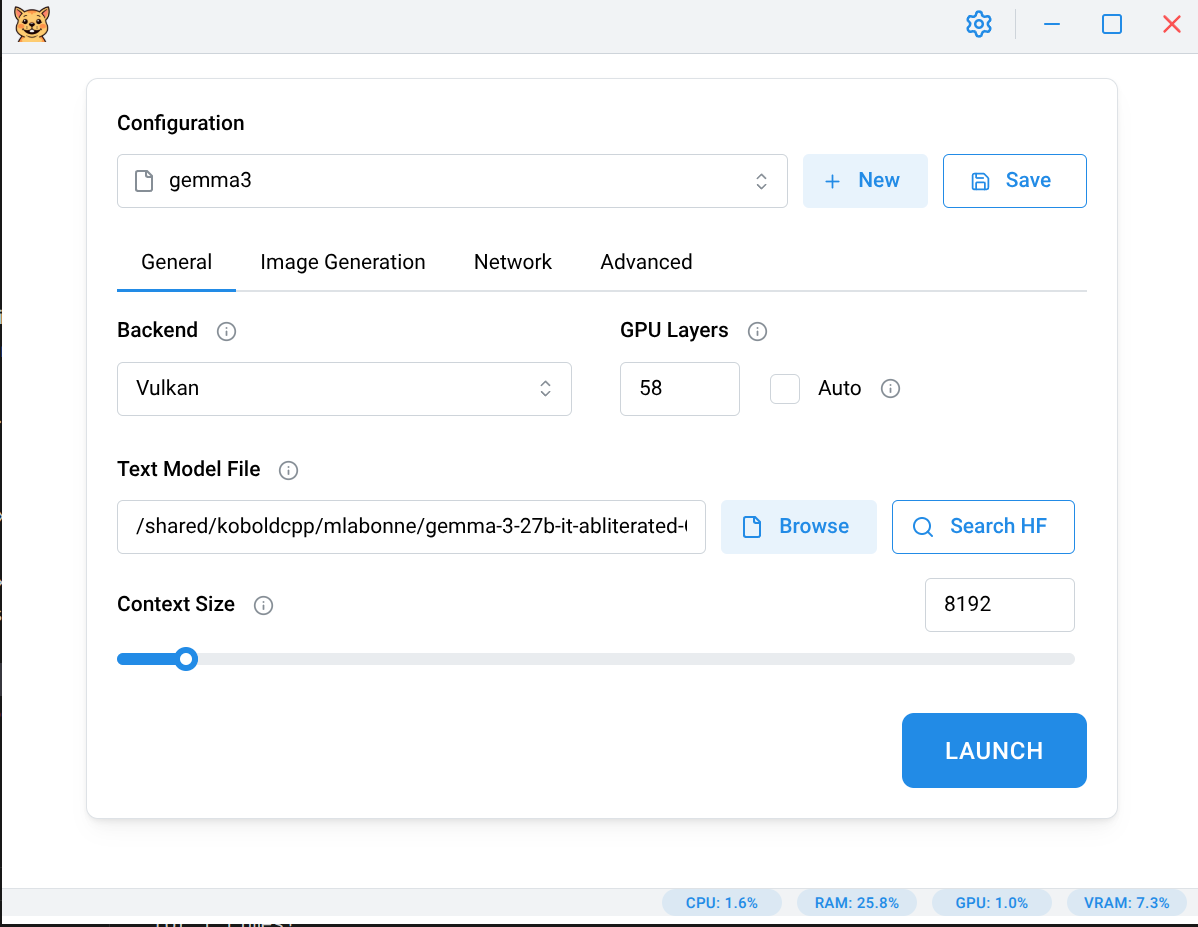
- **Flexible hardware support** - Works on CPU-only systems while also supporting GPU acceleration (CUDA, ROCm, Vulkan, Metal)
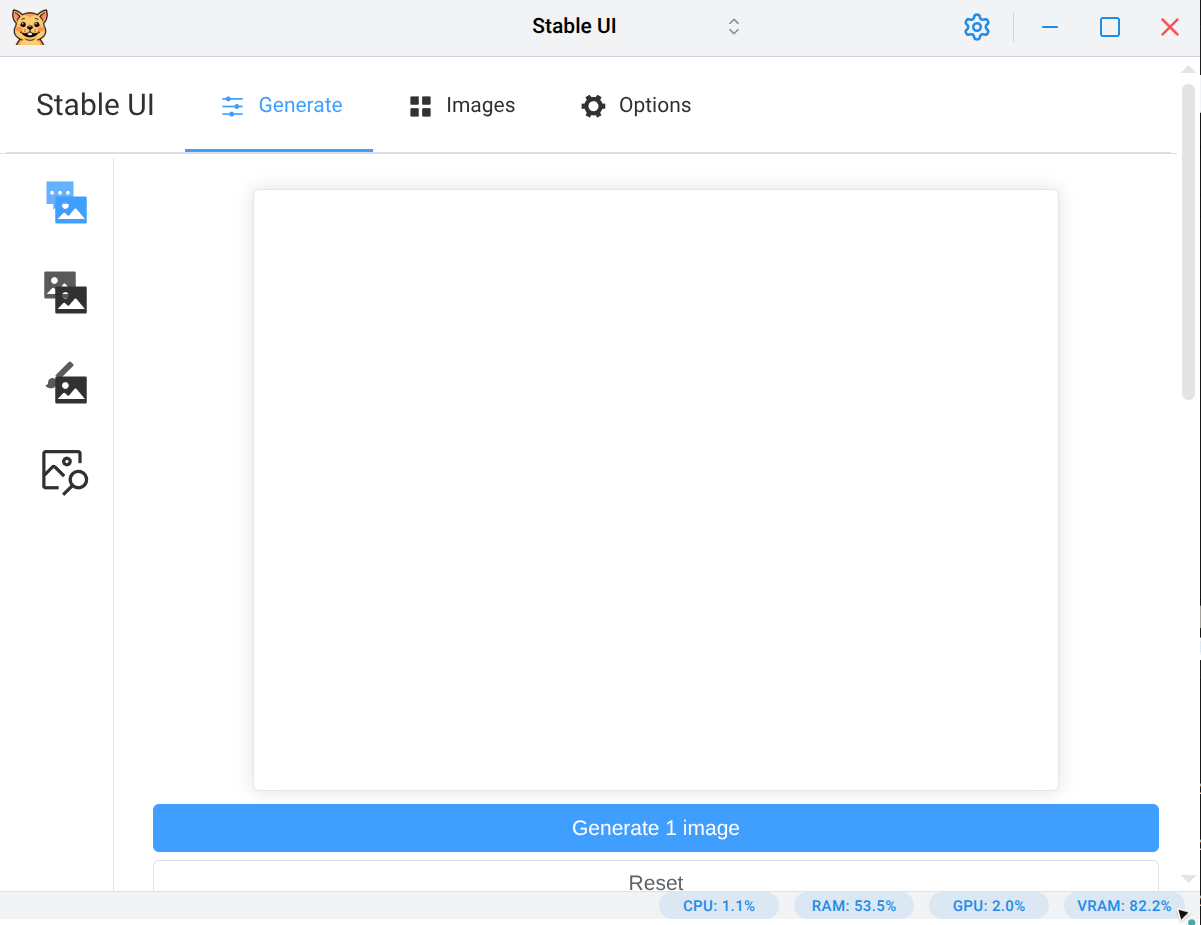
- **Image generation** - Built-in presets for Flux, Chroma, Qwen Image, and Z-Image workflows
- **Integrated HuggingFace search** - Browse models, view model cards, and download GGUF files directly from the app
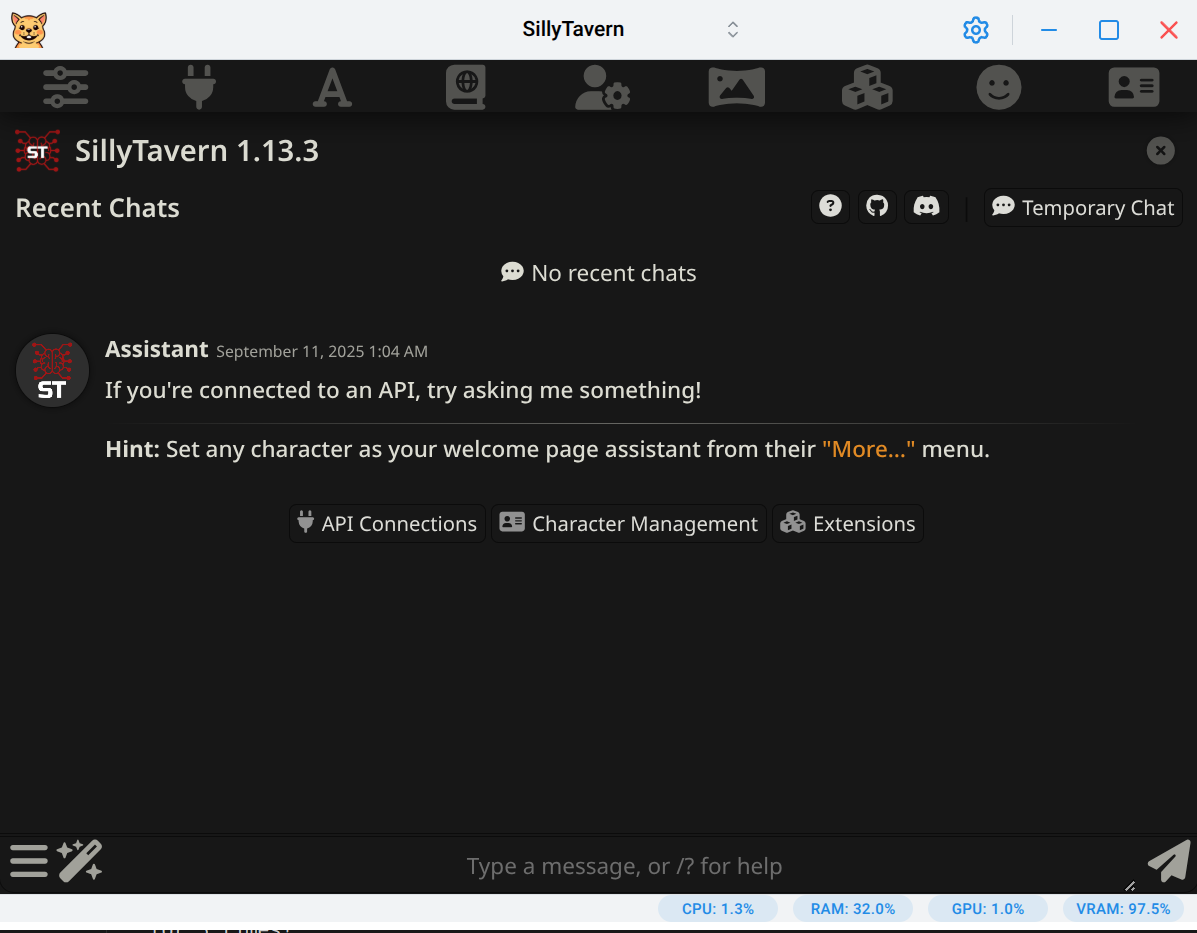
- **SillyTavern integration** - Launch SillyTavern for advanced character interactions (requires [Node.js](https://nodejs.org/))
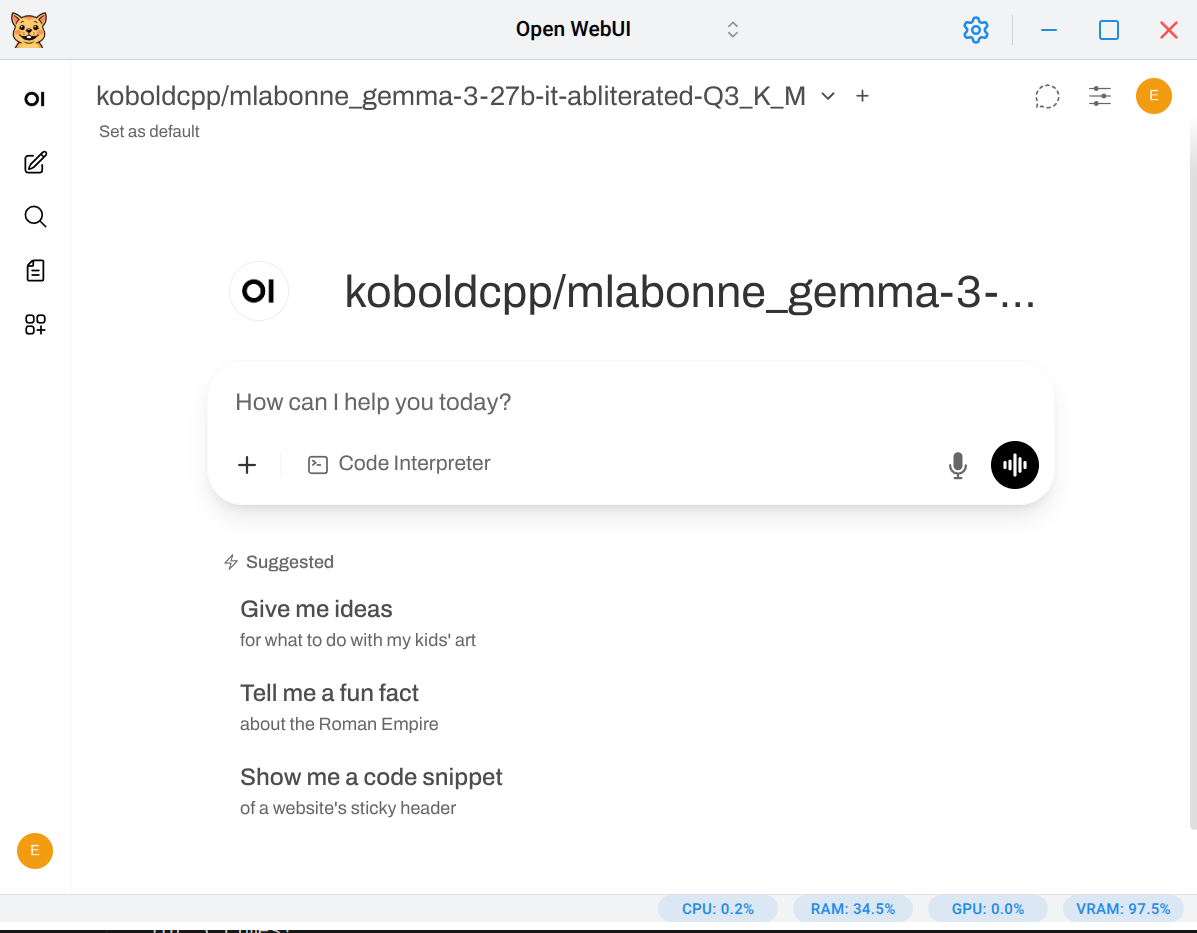
- **OpenWebUI integration** - Launch OpenWebUI for a modern web-based chat interface (requires [uv](https://docs.astral.sh/uv/getting-started/installation/))
- **Privacy-focused** - No telemetry, no external servers, no accounts
## Quick Start
1. **[Download Gerbil](https://github.com/lone-cloud/gerbil/releases/latest)** for your platform
2. **Launch the app** - No installation needed for portable versions
3. **Download a model** - Use the default model, use the built-in HuggingFace search by clicking on the looking glass icon, or import your own
4. **Start chatting** - Text and image generation both work out of the box
## Installation
### Pre-built Binaries
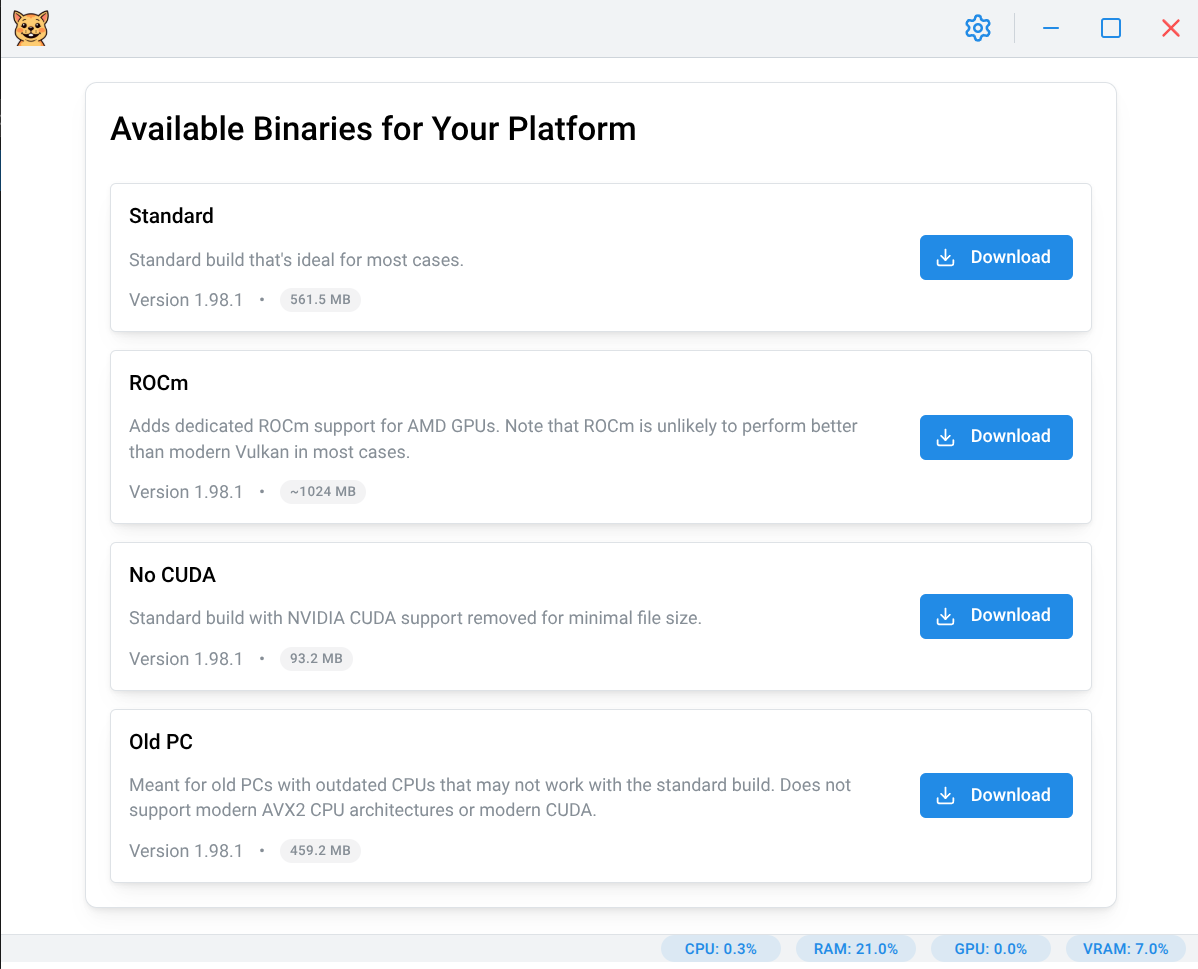
Download the latest release from the [GitHub Releases page](https://github.com/lone-cloud/gerbil/releases/latest):
- **Windows**: `Gerbil-Portable-X.X.X.exe` or `Gerbil-Setup-X.X.X.exe`
- **macOS**: `Gerbil-X.X.X.dmg`
- **Linux**: `Gerbil-X.X.X.AppImage`
### Linux - AUR (Arch Linux)
**Recommended for Arch users** - Automatic updates through your package manager:
```bash
# Using yay
yay -S gerbil
# Using paru
paru -S gerbil
# Manual installation
git clone https://aur.archlinux.org/gerbil.git
cd gerbil
makepkg -si
```
The AUR package handles desktop integration and keeps Gerbil updated with your system.
### macOS Security Note
After installing on macOS, you will notice that the app will not run as it was not verified by Apple. You will need to [follow these instructions](https://support.apple.com/en-ca/guide/mac-help/mh40616/mac) to remove it from your system's quarantine to be able to run it. Alternatively you can run `xattr -r -d com.apple.quarantine /Applications/Gerbil.app` in the terminal.
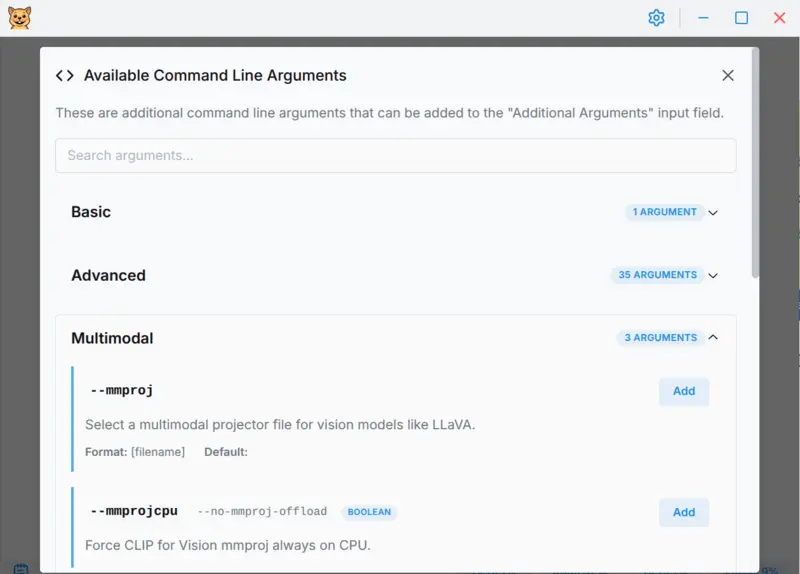
## Demo & Screenshots
https://github.com/user-attachments/assets/9e7ecfb3-3576-443c-8cef-a14e06ab5b60