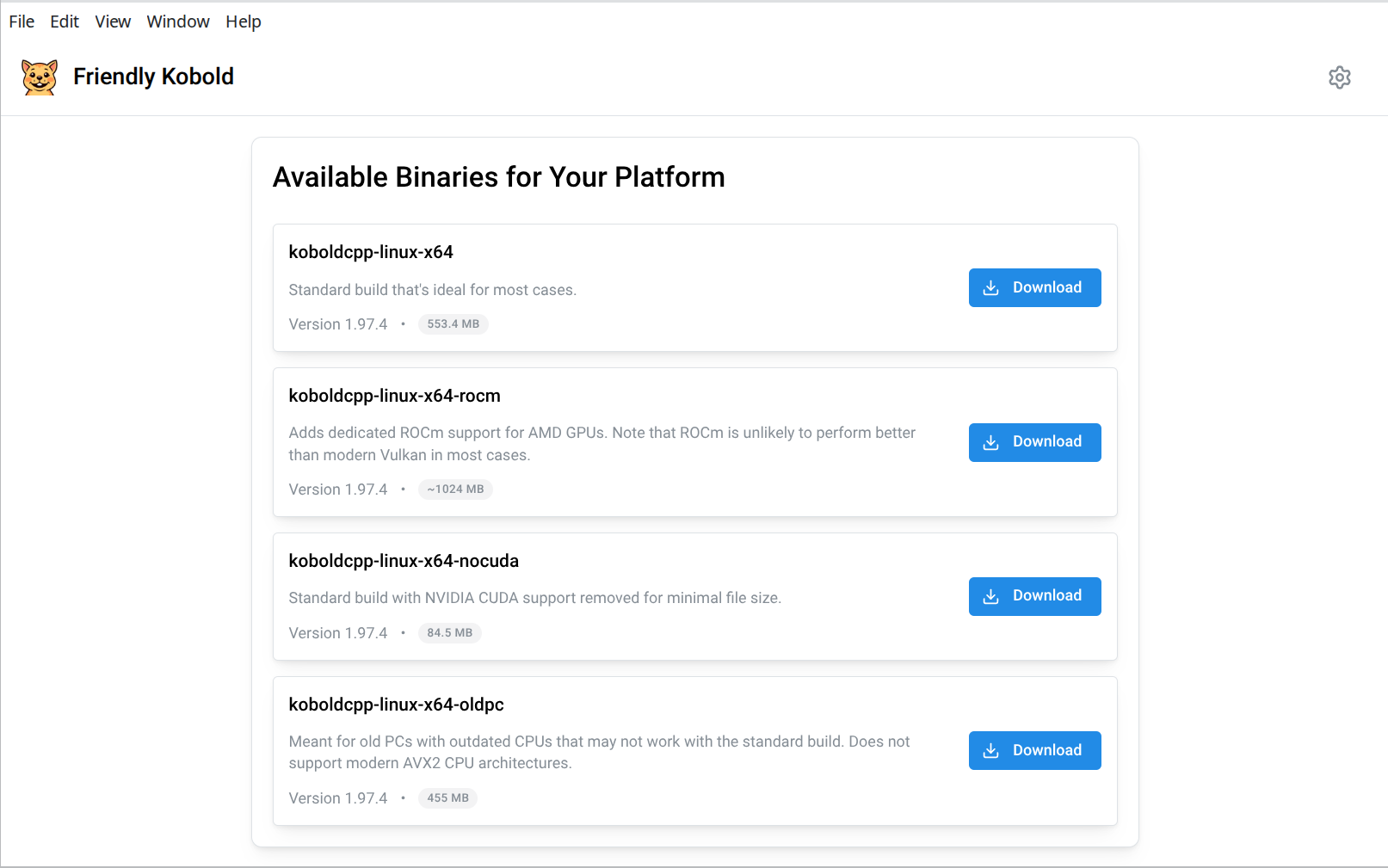
### Download & Setup
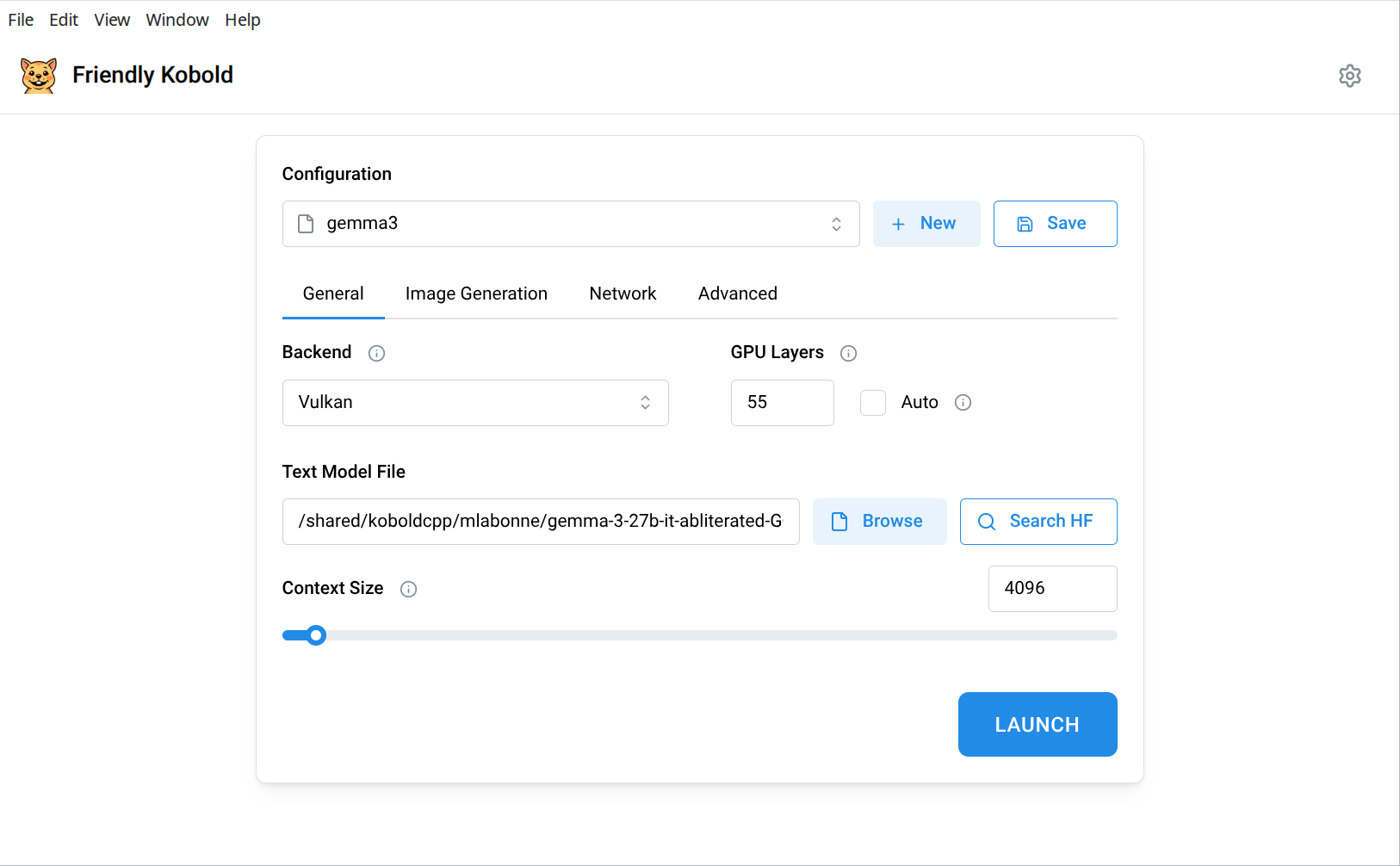
### Model Launch Configuration
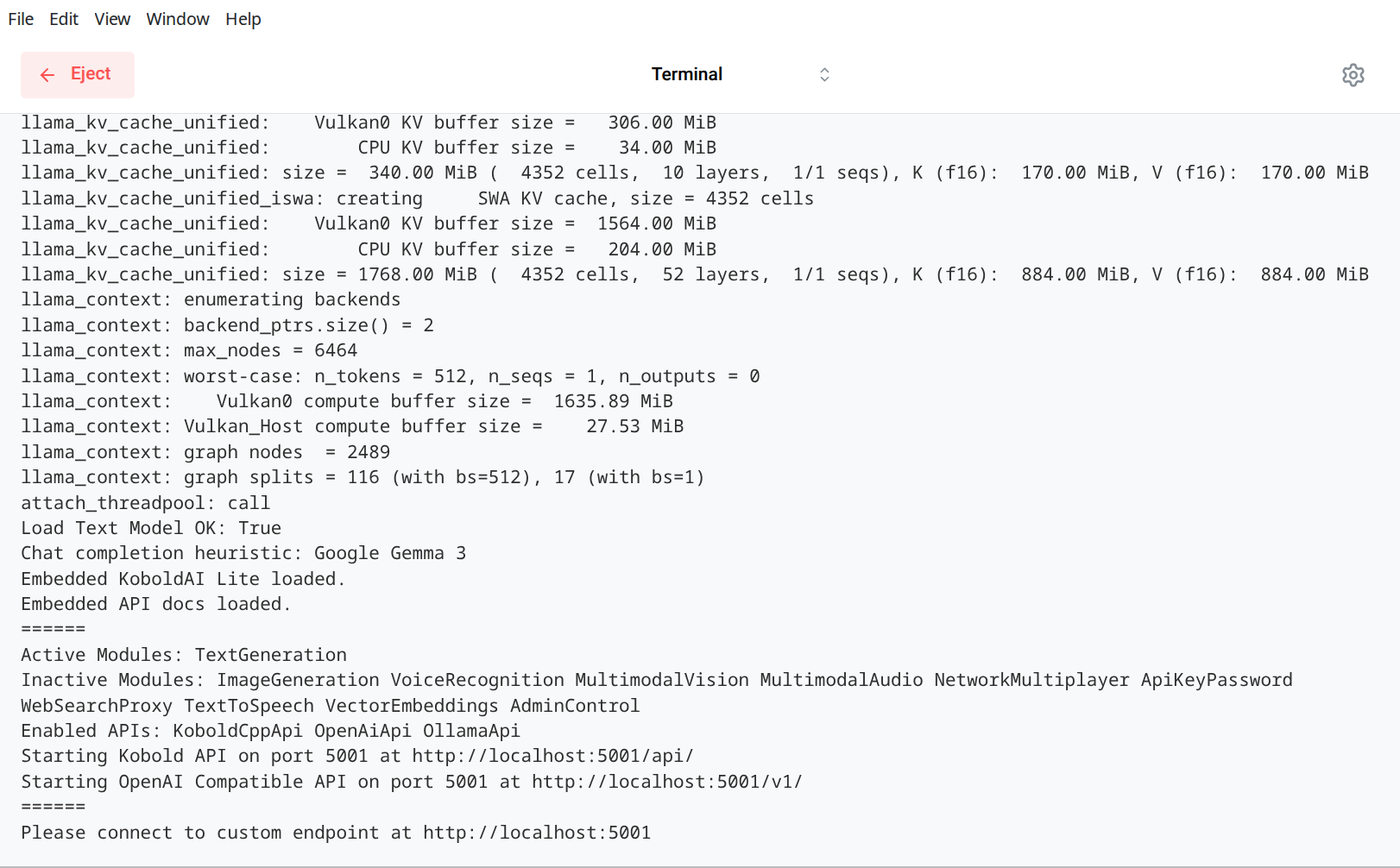
### Terminal Output
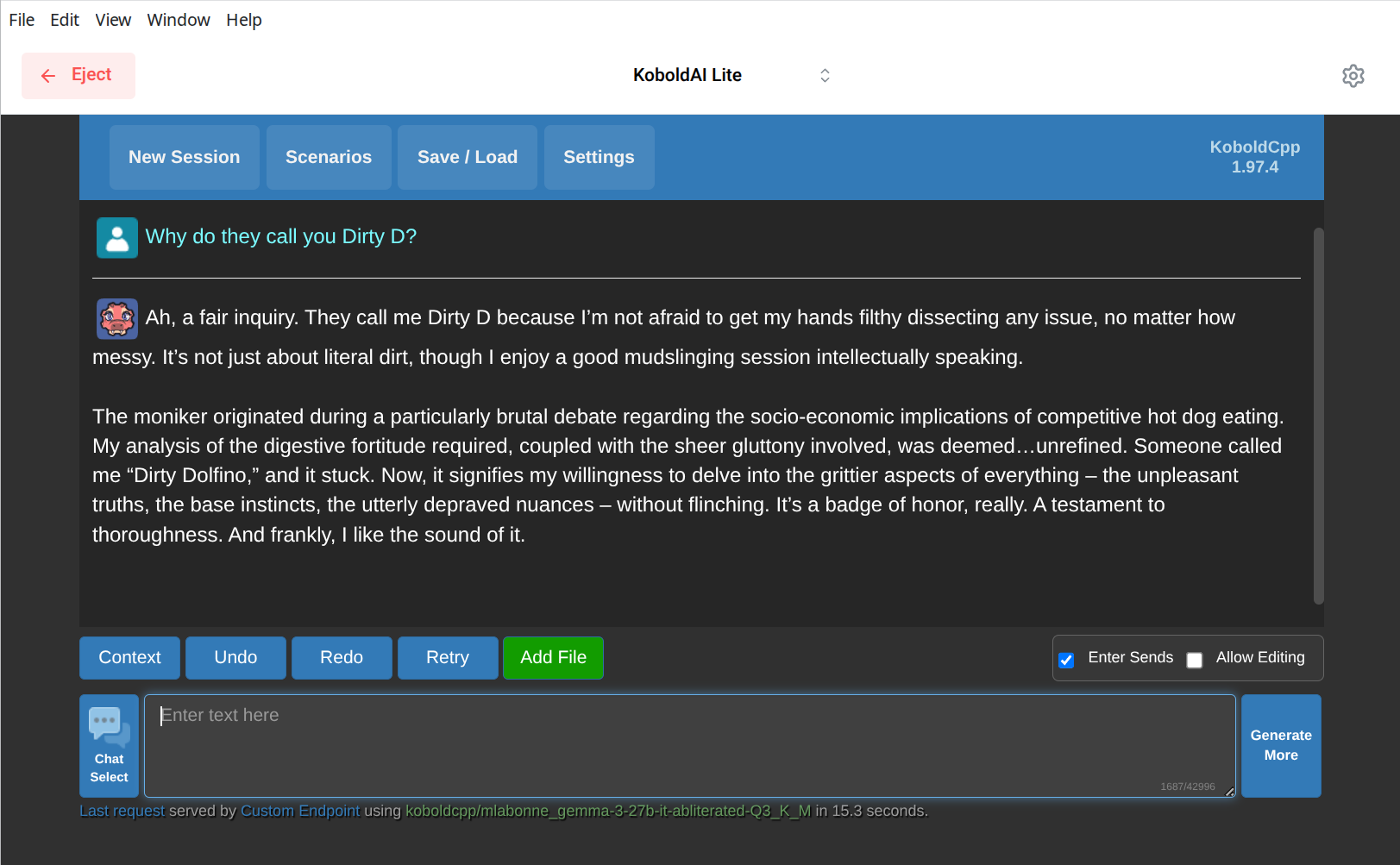
### Text Generation
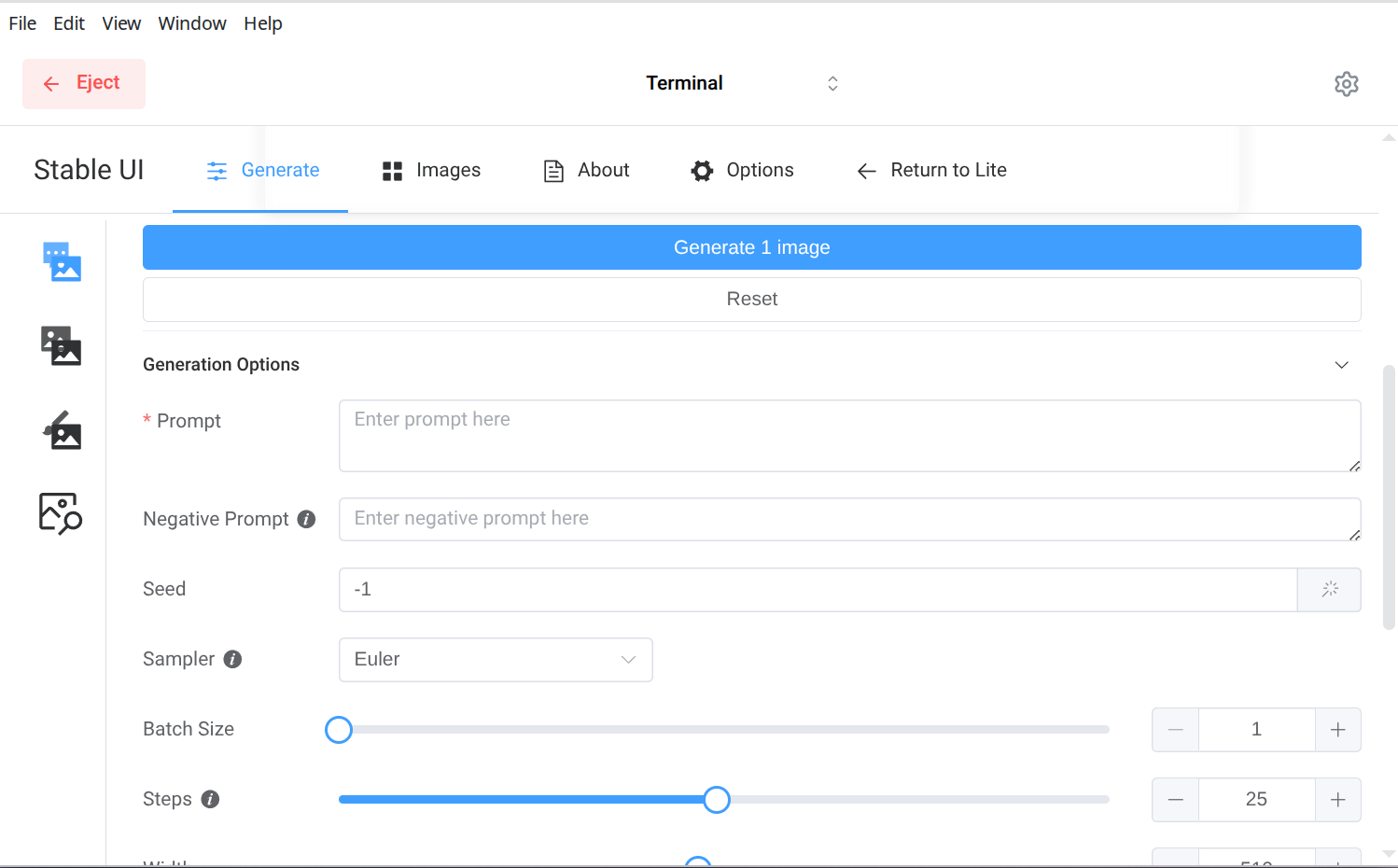
### Image Generation
 ## Core Features
- **Run LLMs locally** with an intuitive interface powered by [KoboldCpp](https://github.com/LostRuins/koboldcpp)
- **Full Linux Wayland support** for seamless integration with Linux desktops
- **Automatic updates** - Download and keep your KoboldCpp binary up-to-date effortlessly
- **Smart process management** - Prevents runaway background processes and system resource waste
- **Optimized performance** - Automatically unpacks binaries for faster operation and reduced memory usage (up to ~4GB less RAM)
- **Image generation support** - Built-in presets for Flux and Chroma image generation workflows
- **Adaptive theming** - Light, dark, and system theme modes that automatically follow your OS preferences
- **Privacy-focused** - Everything runs locally on your machine, no data sent to external servers
## Installation
### Pre-built Binaries
Download the latest release for your platform from the [GitHub Releases page](https://github.com/lone-cloud/friendly-kobold/releases/latest):
- **Windows**: `Friendly-Kobold-X.X.X.exe` (portable executable)
- **macOS**: `Friendly-Kobold-X.X.X.dmg` (disk image)
- **Linux**: `Friendly-Kobold-X.X.X.AppImage` (portable application)
#### Linux - AUR (Arch Linux)
For Arch Linux users, install from the AUR using your preferred AUR helper:
```bash
# Using yay
yay -S friendly-kobold
# Using paru
paru -S friendly-kobold
# Manual installation
git clone https://aur.archlinux.org/friendly-kobold.git
cd friendly-kobold
makepkg -si
```
The AUR package automatically handles installation, desktop integration, and system updates. This is the ideal way to run Friendly Kobold on Linux.
## Screenshots
## Core Features
- **Run LLMs locally** with an intuitive interface powered by [KoboldCpp](https://github.com/LostRuins/koboldcpp)
- **Full Linux Wayland support** for seamless integration with Linux desktops
- **Automatic updates** - Download and keep your KoboldCpp binary up-to-date effortlessly
- **Smart process management** - Prevents runaway background processes and system resource waste
- **Optimized performance** - Automatically unpacks binaries for faster operation and reduced memory usage (up to ~4GB less RAM)
- **Image generation support** - Built-in presets for Flux and Chroma image generation workflows
- **Adaptive theming** - Light, dark, and system theme modes that automatically follow your OS preferences
- **Privacy-focused** - Everything runs locally on your machine, no data sent to external servers
## Installation
### Pre-built Binaries
Download the latest release for your platform from the [GitHub Releases page](https://github.com/lone-cloud/friendly-kobold/releases/latest):
- **Windows**: `Friendly-Kobold-X.X.X.exe` (portable executable)
- **macOS**: `Friendly-Kobold-X.X.X.dmg` (disk image)
- **Linux**: `Friendly-Kobold-X.X.X.AppImage` (portable application)
#### Linux - AUR (Arch Linux)
For Arch Linux users, install from the AUR using your preferred AUR helper:
```bash
# Using yay
yay -S friendly-kobold
# Using paru
paru -S friendly-kobold
# Manual installation
git clone https://aur.archlinux.org/friendly-kobold.git
cd friendly-kobold
makepkg -si
```
The AUR package automatically handles installation, desktop integration, and system updates. This is the ideal way to run Friendly Kobold on Linux.
## Screenshots